Lost Hardware Wallet Recovery
A lost, stolen or dead hardware wallet does not automatically mean your crypto coins are gone – the key is whether you still have the seed phrase, passphrase and correct derivation path used to create the keys.
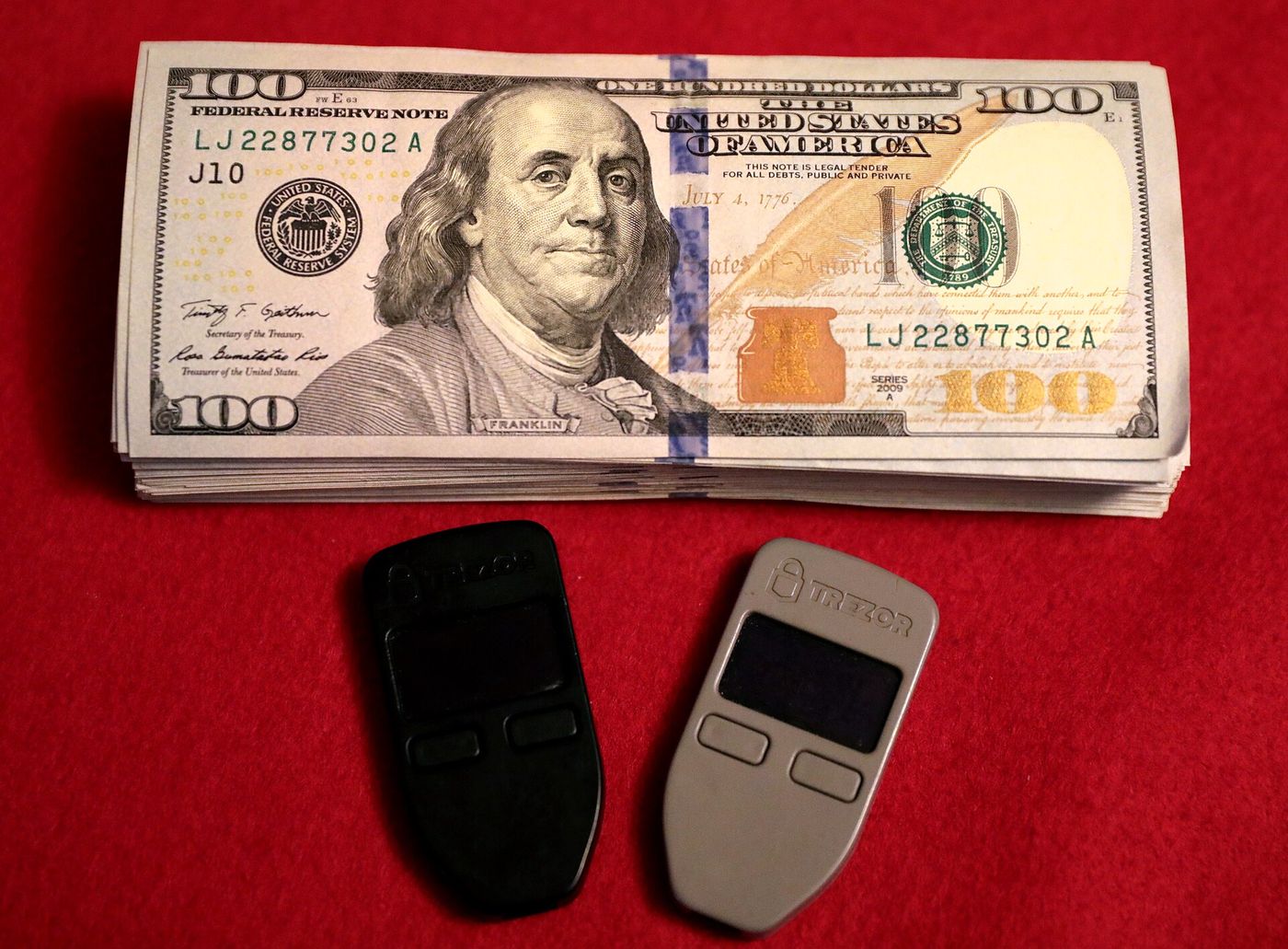
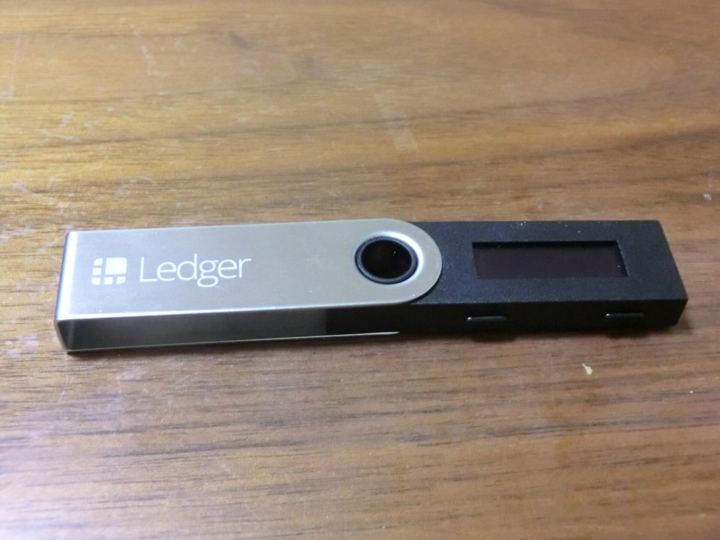
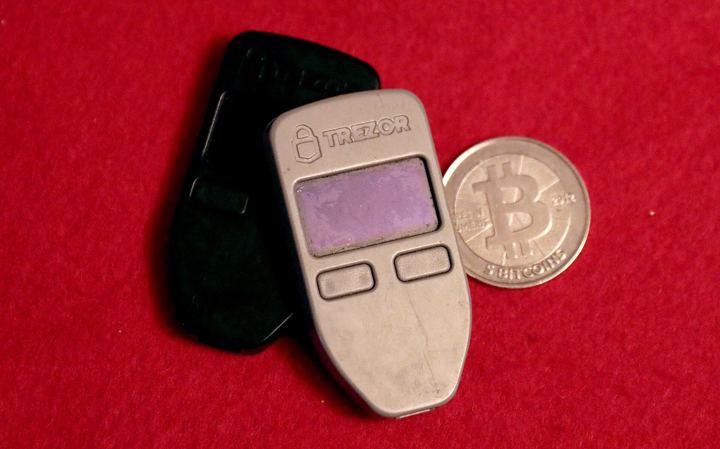
A hardware wallet, such as a Ledger or Trezor, acts as a secure key manager for managing the private keys that unlock the user's crypto assets. When a hardware wallet is lost, stolen or damaged, users can recover the stored assets from their seed phrases on a different hardware wallet or compatible software that supports the same seed standard;
This works because a BIP-39 seed phrase is a mnemonic of 12 or 24 English words that is used to derive wallet keys deterministically. From one seed phrase, an unlimited number of key pairs can be generated using different derivation path;
However, the process is not always straightforward as it might seem. Often when users try to restore after the initial seed phrase, they find some account balances "missing." This happens because different wallets, wallet addresses, and accounts were likely created using different derivation path or an additional passphrase;
Meanwhile, the BIP-39 standard includes an optional passphrase that is used in conjunction with the mnemonic to arrive at the seed. This passphrase is used in seed generation and not layered on top of a pre-determined seed;
If no passphrase is provided, a literal "mnemonic" string is used instead. But if a passphrase was used, it is vital to recall and re-enter it exactly as used – if the passphrase is not entered as before, a different set of accounts or wallet unrelated to the seed phrase is derived;
This means that if assets were sent to an account path derived under an additional passphrase that is not recalled, the wallet will not allow access to those assets.
In any recovery process, only the official or verified software that supports the original seed type, path, and features used can properly recreate the wallet's keys. It is vital for users to restore only on trusted official software, to avoid investment scams or support impersonation, for example by clone apps or impersonators using fake toll-free numbers;
The first and most important step in any hardware wallet recovery is to locate the BIP-39 seed phrase and, if one was used, the additional wallet passphrase. Ideally, they should be written down in a safe location; otherwise, they must be reconstructed from memory accurately;
Once the seed and passphrase are at hand, verify and only restore on the official software of the original hardware wallet, whether on another compatible hardware wallet or a desktop or mobile software version. If it's unclear, reach out to official customer support channels;
Settings to check include the specific derivation path and the presence of any software or wallet addresses like SegWit, Legacy or Native SegWit. Enter the seed and passphrase, and verify that new keys generated from the restored keys or software match addresses known to have assets; what is listed should eventually tally with the original balance.
General information, not financial, investment or tax advice. Rules, fees and allowances change: check the figure with HMRC, the FCA or the service itself before you act.